
The Power of Microinteractions: Elevating User Experience in UI Design
In the dynamic realm of UI/UX design, where every pixel and interaction play a pivotal role, it’s often the smallest elements that wield the most significant influence.

Welcome to the world of microinteractions—the quiet champions that can elevate an ordinary digital encounter into an extraordinary one. In this blog post, we’re embarking on a deep exploration of micro-interactions, uncovering their potential to enhance user experiences, and providing invaluable insights into seamlessly integrating them into your UI designs.

Understanding Microinteractions: Unveiling the Enchantment in Details
According to Nielsen Norman Group, “Microinteractions are trigger-feedback pairs in which (1) the trigger can be a user action or an alteration in the system’s state; (2) the feedback is a narrowly targeted response to the trigger and is communicated through small, highly contextual (usually visual) changes in the user interface.”
Microinteractions are subtle animations, feedback loops, and minor design components that might initially appear unnoticeable but, in reality, possess immense potential to enrich user engagement. Think about the satisfying ‘ping’ your smartphone emits when you like a post on a social media platform or the seamless transition as you hover over a button. These seemingly inconsequential interactions contribute profoundly to the overall user experience.
The Impact on User Engagement
But why do microinteractions matter? They bridge the gap between the user and the interface, infusing interactions with intuitiveness, engagement, and even delight. When a user undertakes an action and receives an instant response, it fosters a sense of acknowledgment—a cornerstone for building a positive user relationship. By offering both visual and auditory cues, micro-interactions guide users along their journey, eradicating confusion and mitigating frustration.
Real-World Instances: Elevating from Good to Superb
Consider the heart animation on Instagram triggered by a double-tap on an image—this is a microinteraction. It’s a subtle yet impactful gesture that communicates a significant action, amplifying the emotional connection users share with the platform. Likewise, Slack’s typing indicator, signaling that someone is composing a message, adds a touch of realism and responsiveness to the experience. These understated animations contribute extensively to the application’s usability and allure.
Mastering Microinteractions: Insights for Designers
Purpose-Driven Design: Every micro-interaction should possess a purpose, whether it’s furnishing feedback, guiding users, or enriching the overall experience. Identify pivotal touchpoints where microinteractions can magnify user interactions.
Consistency: Uphold a uniform design language for microinteractions across your application. This aids users in developing a mental model of your interface’s behavior.
Subtle Sophistication: Microinteractions shouldn’t overwhelm users; they ought to be delicate enough to enhance without distracting. Strike a harmonious balance between offering feedback and maintaining an uncluttered interface.
Performance: Ensure that microinteractions don’t compromise performance. Seamless animations contribute to a fluid user experience, while choppy animations can yield the opposite effect.
Testing and Evolution: Similar to any facet of design, evaluate your microinteractions with real users. Garner feedback and iterate to refine the experience progressively.
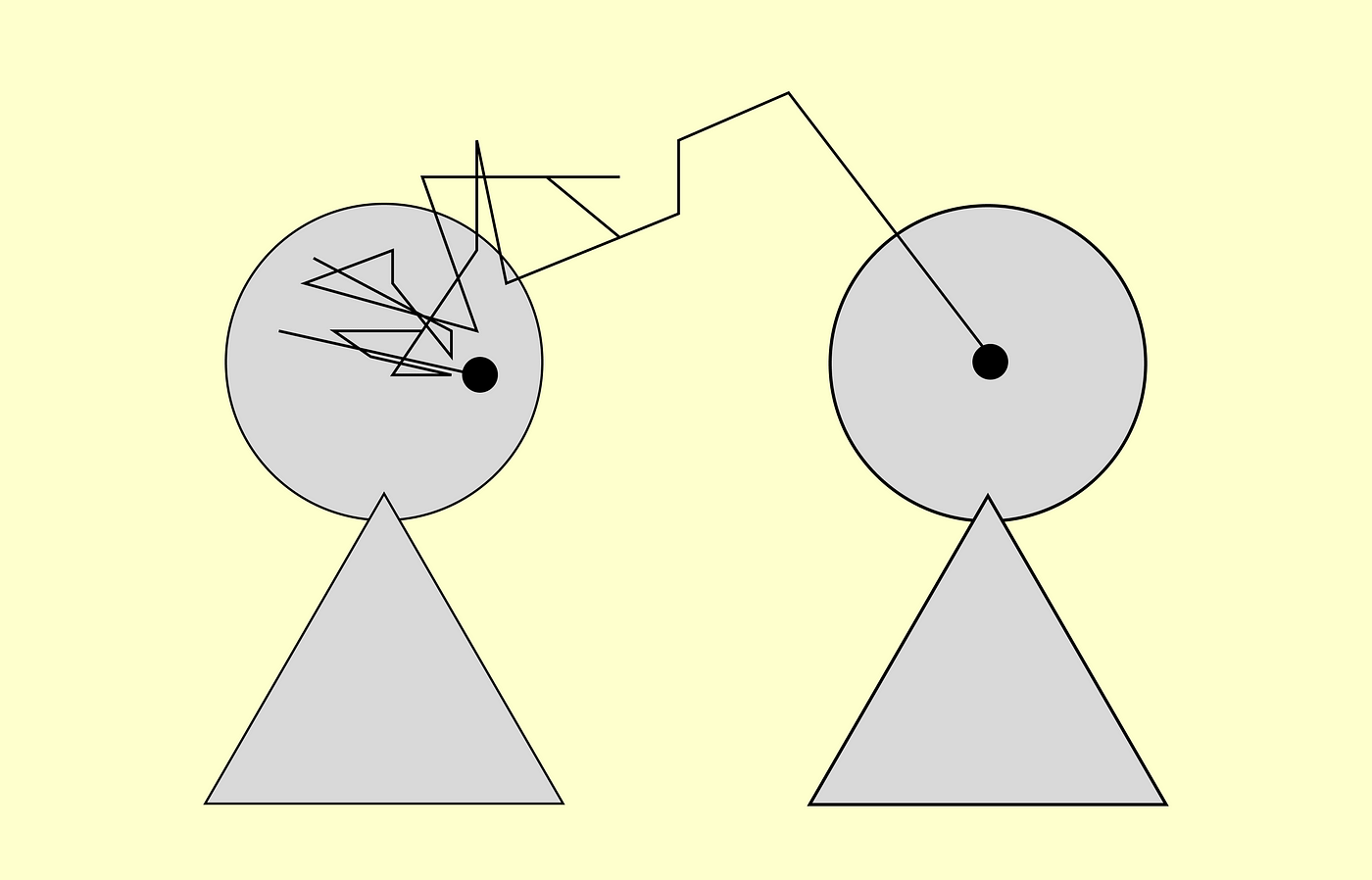
In the grand tapestry of things, microinteractions humanize technology. They introduce a sense of familiarity and realism, extending the sensation of interacting with a meticulously crafted, responsive system. For UI/UX designers, integrating microinteractions isn’t merely a trend; it’s a method to forge interfaces that pulsate with vitality and engagement. So, the next time you’re thoroughly refining your UI, recall that sometimes it’s the minutiae that leave the most profound impact.